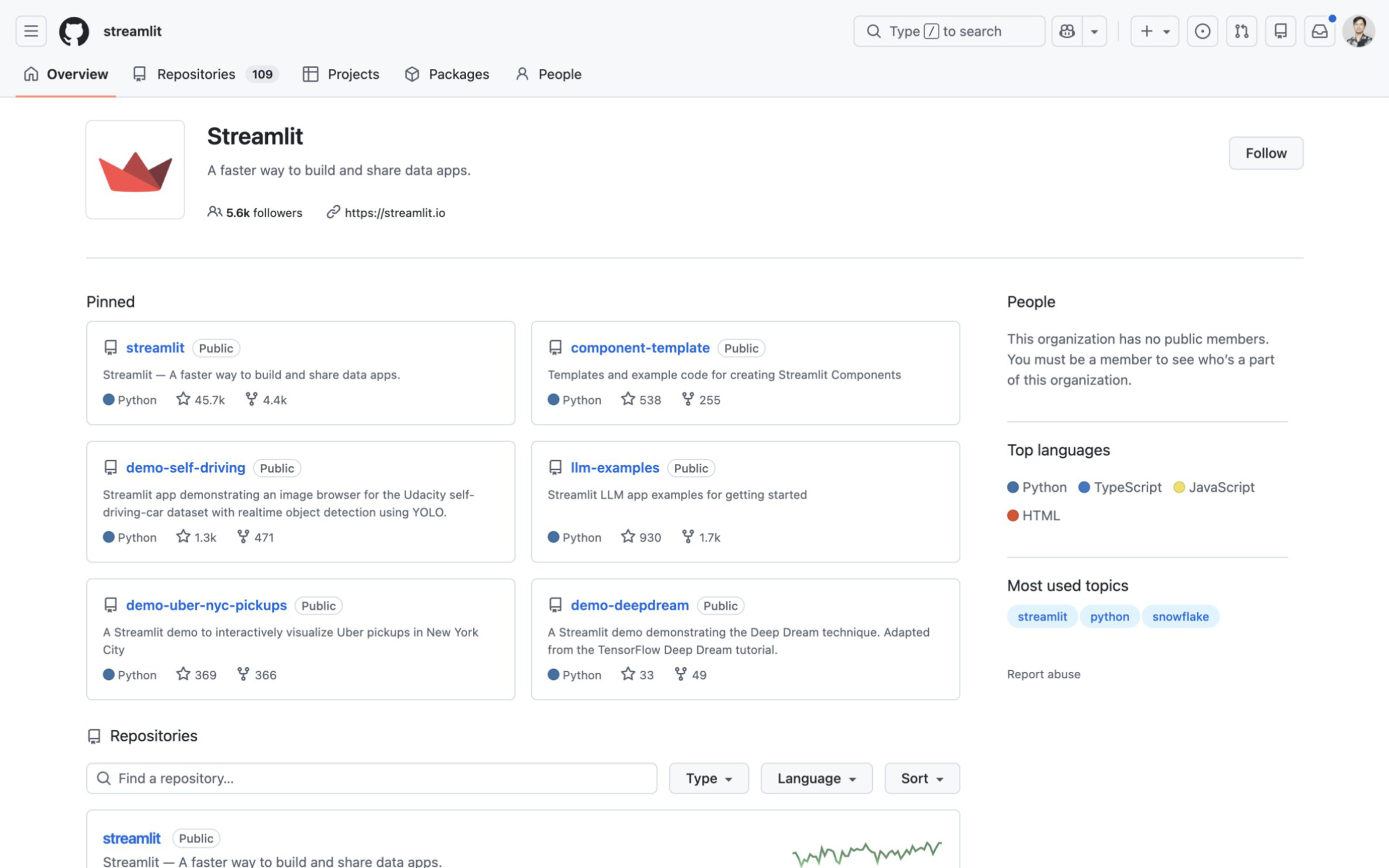
Streamlit is a Python library that turns data scripts into interactive web applications in minutes. You do not need to write HTML, CSS, or JavaScript. You just write Python, and Streamlit renders the UI.
In this article I will explain exactly when you should use Streamlit, and more importantly, the technical ceilings that mean you need a real web application stack like React and FastAPI.
What Streamlit is Built For
If you have a data science script or a machine learning model, sharing it used to be painful. You either sent a Jupyter Notebook that the recipient could not run, or you spent two weeks building a Flask backend and a React frontend just to show a few charts.
Streamlit solves this. It is the perfect tool for:
- Internal company dashboards and reporting tools.
- Machine learning model prototypes and proof-of-concept demos.
- Data science explorations where users need to tweak a few parameters and see a result.
- “Fake door” MVP tests to see if users actually want a feature before you engineer it properly.
You can build a working UI in just a few lines of code. It is fully open-source and connects natively to Pandas, Numpy, and all major Python data libraries.
To get started, simply install it via pip:
pip install streamlitThen, write a minimal app.py script to see it in action:
import streamlit as st
import pandas as pd

st.title("My First Data App")

# This creates an interactive slider
user_input = st.slider("Select a number", 1, 100, 50)

# The UI updates automatically based on the input
st.write(f"You selected: {user_input}")
Run it locally with streamlit run app.py. For deep dives into specific UI components, you can read the official documentation. For internal tools with low concurrent usage, this workflow is a superpower.
Why Streamlit Fails as a Commercial SaaS Product
The moment you try to put Streamlit in front of hundreds of paying SaaS customers, the architecture breaks down.
The limitations are not about “bad code”. They are hard constraints built into how Streamlit executes and manages state.
Top-to-Bottom Script Re-execution
Every time a user clicks a button, changes a slider, or types in a text box, Streamlit reruns your entire Python script from top to bottom.
sequenceDiagram
    actor User
    participant Browser
    participant StreamlitServer as Streamlit Server
    participant DB as Database

    User->>Browser: Moves a slider
    Browser->>StreamlitServer: Sends interaction event
    Note over StreamlitServer: Reruns app.py<br/>from line 1
    StreamlitServer->>DB: Re-fetches data (if not cached)
    DB-->>StreamlitServer: Returns data
    StreamlitServer-->>Browser: Sends updated UI HTML
If your script pulls 50,000 rows from a database, it will run that query again on every interaction unless you explicitly wrap it in a caching decorator (@st.cache_data). Even with caching, you cannot separate the UI rendering from the business logic. A minor cosmetic change to the UI forces a full server round-trip and recomputation.
Per-Session Memory Pressure
Streamlit is stateful by default. Every active user session holds its own Python execution context and UI state in your server’s RAM.
When you scale to 50 or 100 concurrent users, the memory overhead scales linearly. Your server will quickly run out of memory. This forces you to over-provision expensive cloud instances just to handle moderate traffic, a problem you do not have with stateless REST APIs.
Backend-to-Frontend Message Limits
Streamlit caps the size of the messages sent between the Python backend and the browser frontend. In some managed environments (like Streamlit in Snowflake), this limit is a hard 32 MB. Even in standard container deployments where the default is 200 MB, hitting that cap crashes the app. If you try to render a massive dataframe or a complex 3D plot, the app will fail silently or freeze.
Inflexible Styling and Authentication
Because you are writing Python, you have very little control over the DOM. Custom CSS is a hack. Complex responsive layouts are extremely difficult.
More importantly, building secure, multi-tenant authentication and billing flows is fragile. Streamlit does not have a native concept of a frontend client that securely stores JWT tokens separate from the backend execution context.
The Production Graduation Path: React and FastAPI
When you hit these limits, you have to decouple your architecture. You need a stateless backend that handles business logic and a client-side frontend that handles the UI.
The standard graduation path in 2026 is React (or Next.js) for the frontend and FastAPI for the backend.
- React runs in the user’s browser. It handles state, routing, and UI updates instantly without asking the server to re-render the page.
- FastAPI handles authentication, database connections, and background tasks. It only runs when React asks it for data.
graph LR
    subgraph Client [Client Side]
        Browser[Web Browser<br/>React SPA]
    end

    subgraph Cloud [Server Side]
        LB[Load Balancer]
        API1[FastAPI Instance 1]
        API2[FastAPI Instance 2]
        DB[(PostgreSQL)]
    end

    Browser -- JSON over HTTP --> LB
    LB --> API1
    LB --> API2
    API1 --> DB
    API2 --> DB

    classDef default fill:#f9f9f9,stroke:#333,stroke-width:2px;
This architecture scales horizontally. Because FastAPI is stateless, you can spin up 10 instances behind a load balancer and any request can go to any server. You no longer need sticky sessions to keep users pinned to the specific server holding their Streamlit state in memory.
If you are proving out a data concept, start with Streamlit. When you need to scale to paying users, build a real API.
Where to go next
- What Is FastAPI? Why It Became the Modern Backend Standard - Learn why FastAPI replaced Flask as the default choice for modern Python web backends.
- Why React + FastAPI is a Perfect Stack for an AI Web Application - See exactly how to connect a modern React frontend to a Python backend.
- Modern REST API Development for Startups - A guide to architecting high-speed backend systems that scale gracefully.