Project Overview
Flaz is a design automation product focused on eliminating repetitive catalog production. Designers define a layout template once with image slots and text fields; operators upload screenshots or scraped source material, and an OCR pipeline extracts prices, labels, and product attributes into structured data that lands on an editable canvas. The product spans a browser-based React layout editor with Konva canvas tooling, a FastAPI backend with scan sessions and Tesseract-based extraction, Playwright PNG rendering for final catalog output, organization-scoped workspaces, and an API plus MCP layer that lets external clients and AI agents create layouts, fill canvases, upload assets, and map extracted data programmatically.
I built the project as a Full-stack Developer in 4 weeks (May to June 2026) for an internal design team stuck redoing the same catalog layouts by hand. The MVP scope was exactly one workflow: screenshots in, extracted data on an editable canvas out. CMS publishing and social catalog distribution stayed on the roadmap.
Technology Stack
flowchart LR
    subgraph Clients ["Clients & Agents"]
        UI["Browser UI (React / Konva)"]
        Agents["AI Agents (Cursor / Claude)"]
        API_Clients["External API Clients"]
    end

    subgraph Backend ["FastAPI Backend"]
        API["REST API"]
        MCP["FastMCP Server"]
        OCR["OCR Pipeline (Tesseract)"]
        Render["Playwright Renderer"]
    end

    subgraph Storage ["Data & Infra"]
        DB[("PostgreSQL")]
        S3[("S3 / Object Storage")]
    end

    UI <-->|HTTP / JSON| API
    Agents <-->|Streamable HTTP| MCP
    API_Clients <-->|Issued API Keys| API

    API --- MCP

    API <--> DB
    API <--> S3

    API -->|Extract| OCR
API -->|Generate PNG| Render- Frontend: React, TypeScript, Vite, react-konva, TanStack Query, Tailwind CSS
- Backend: Python, FastAPI, SQLAlchemy, Alembic
- Extraction: OpenCV, Tesseract OCR, reference-data matching
- Rendering: Playwright headless Chromium, Konva render bundle
- Data & Infra: PostgreSQL, S3, Docker Compose
- Integrations: FastMCP server (19 tools), issued API keys, Streamable HTTP at
/mcp
Product Context
The original problem was repetitive catalog design: the same layout structure rebuilt for every product drop, with prices and images retyped and repositioned from screenshots or scraped listings by hand. Flaz exists to close the gap between extracted data and finished catalog images. OCR reads the source material, structured fields map to template slots, and the operator finishes on canvas instead of starting from a blank artboard.
The risky assumption was not whether OCR could read a screenshot, but whether designers would actually finish catalogs inside the tool instead of glancing at the output and returning to their old workflow.
That is why the MVP stayed narrow. Auth, the scan-to-design pipeline with OCR extraction, and an editable canvas were in scope. A CMS, Instagram publishing, and team collaboration features were not.
What I Built
flowchart LR
    A["Upload Source Material"] --> B["OCR Pipeline"]
    B --> C{"Reference Data Matching"}
    C --> D["Structured JSON"]
    D --> E["Map to Layout Slots"]
    E --> F["Operator Review"]
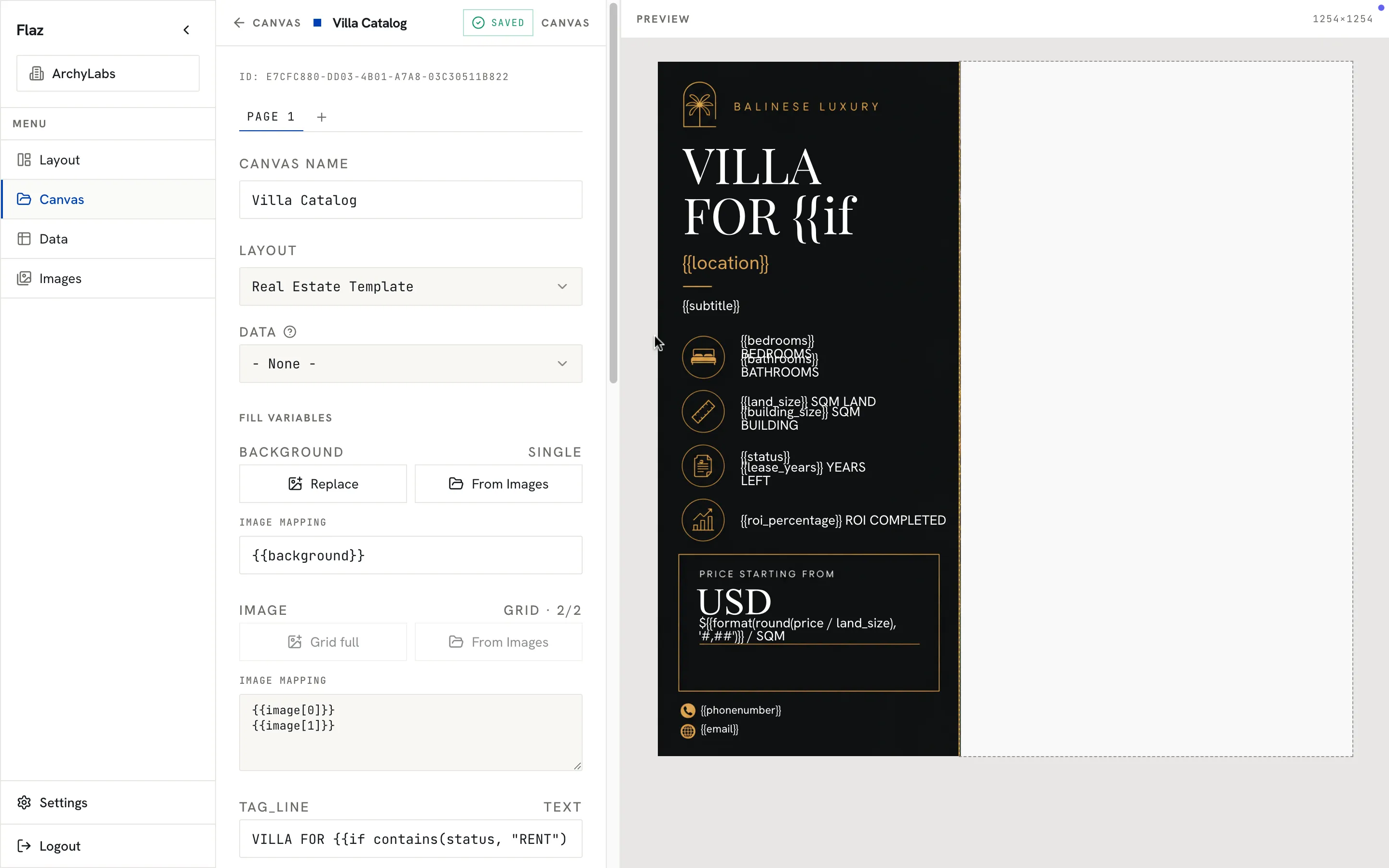
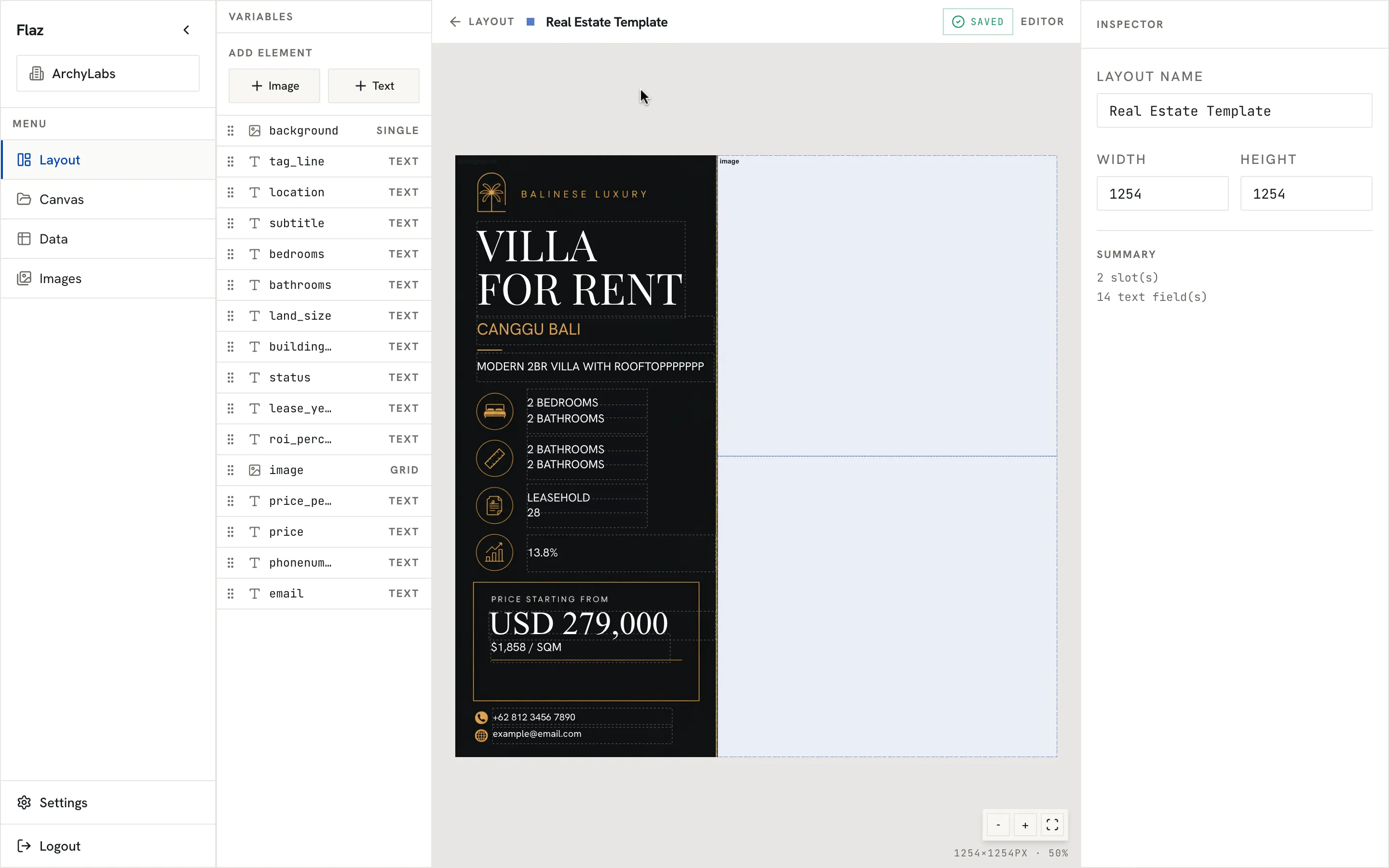
F --> G["Render Final PNG"]- Layout editor: Konva-based canvas where designers define image slots, text fields, and template structure once for repeatable catalog pages
- OCR scan pipeline: bulk screenshot upload, Tesseract extraction, reference-data matching, and structured JSON mapped back to canvas slots
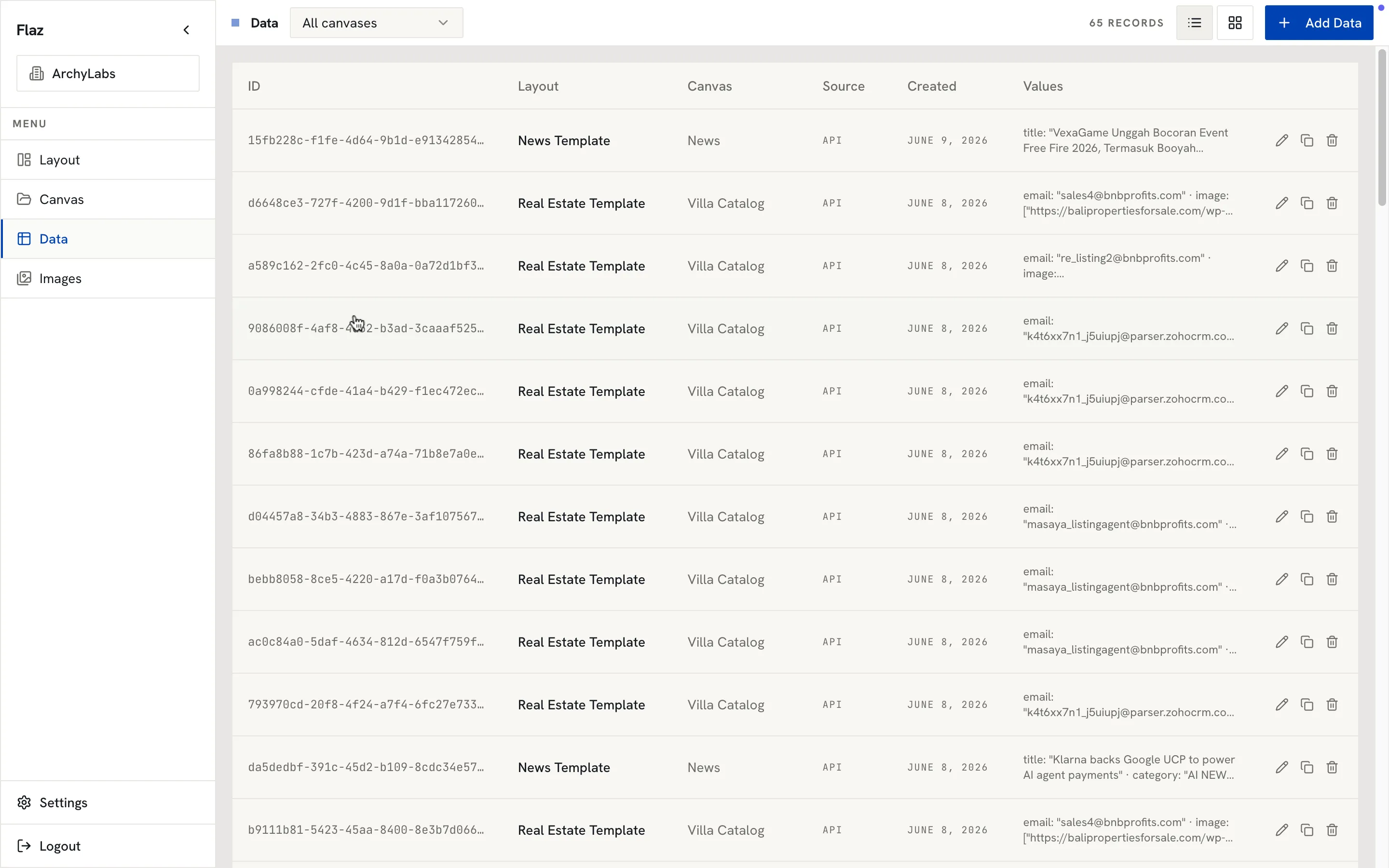
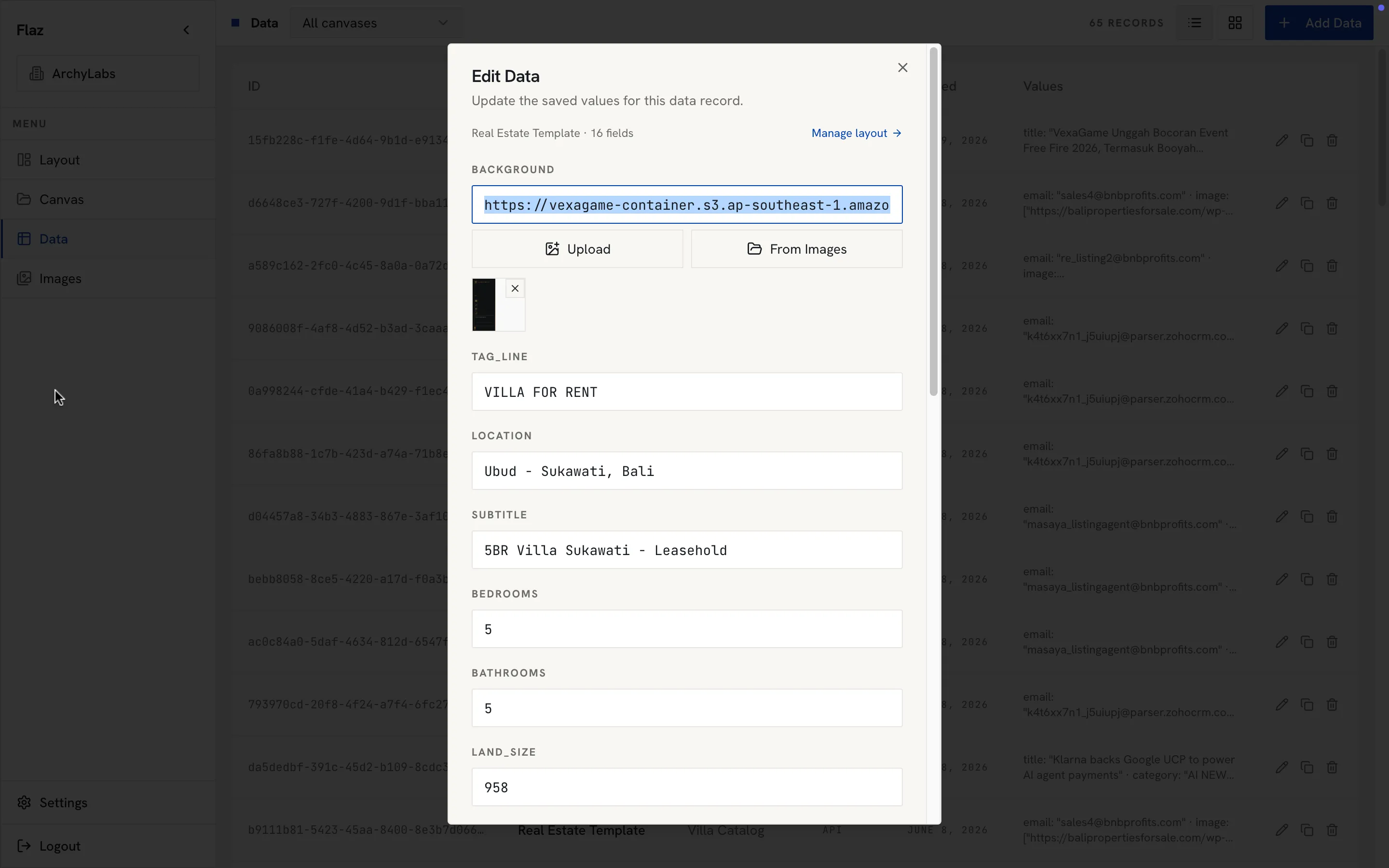
- Operator workspace: review extracted values, adjust placements on canvas, preview variants, and render finished catalog PNGs
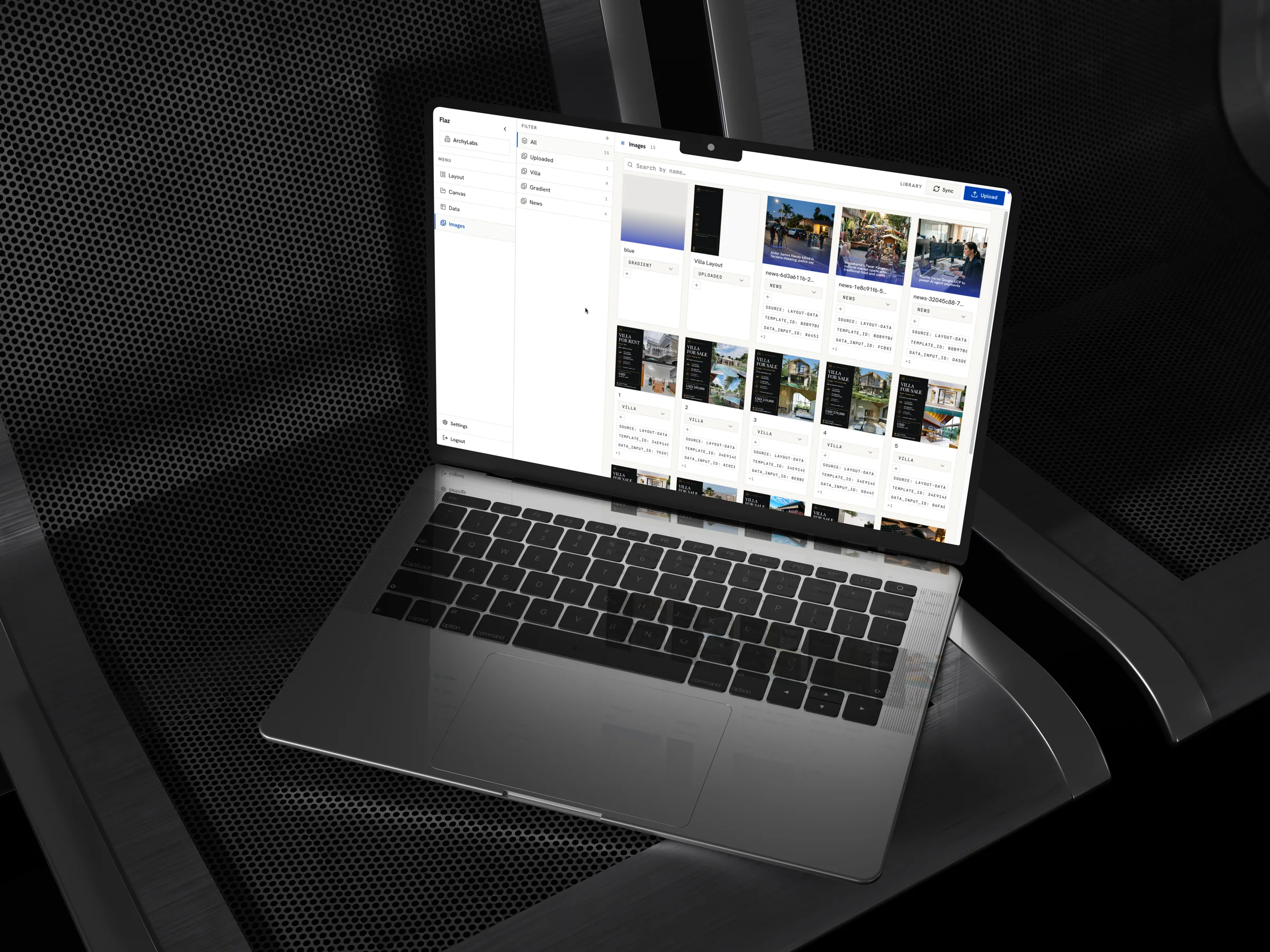
- Asset library: org-scoped image storage with categories and bulk upload
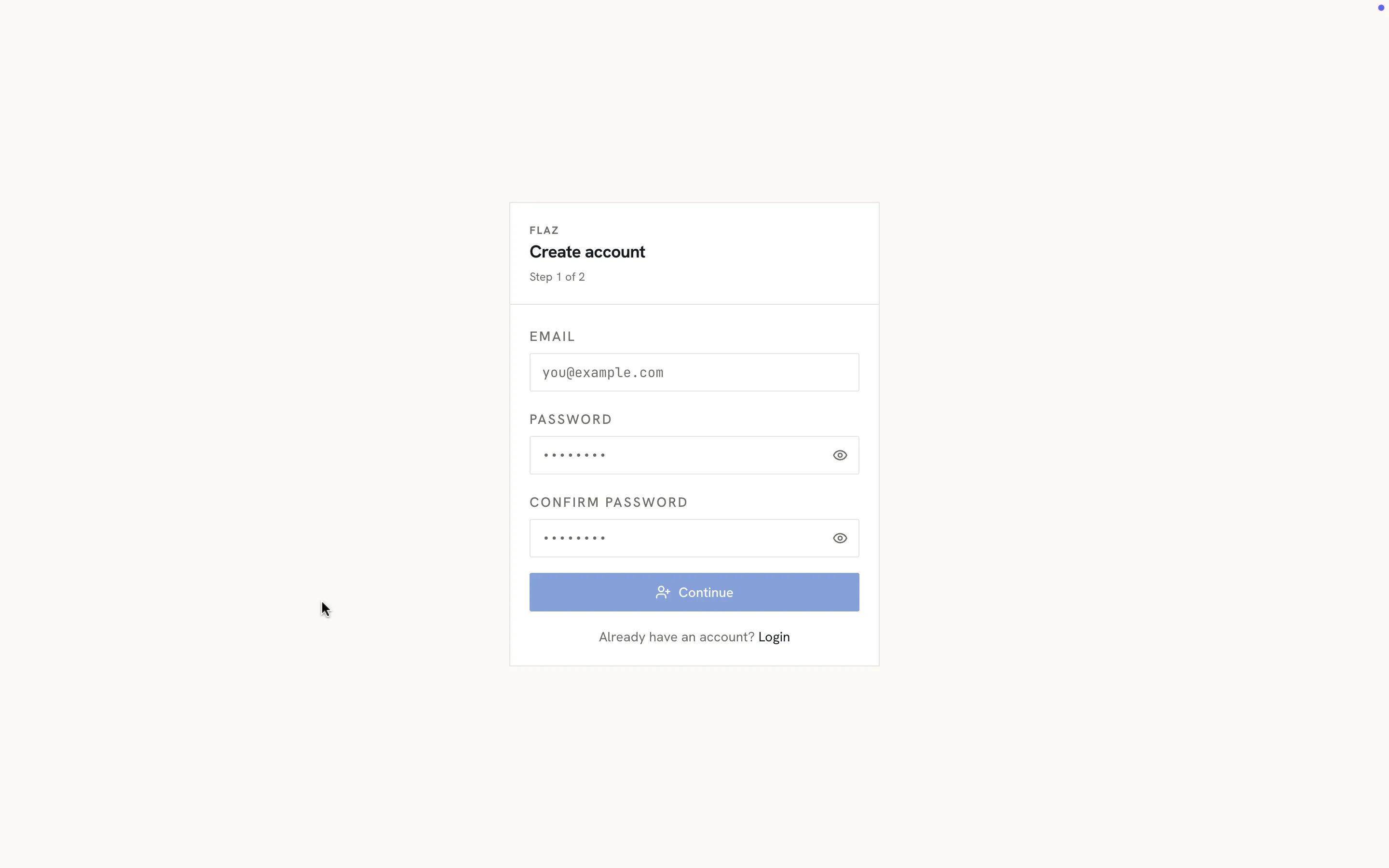
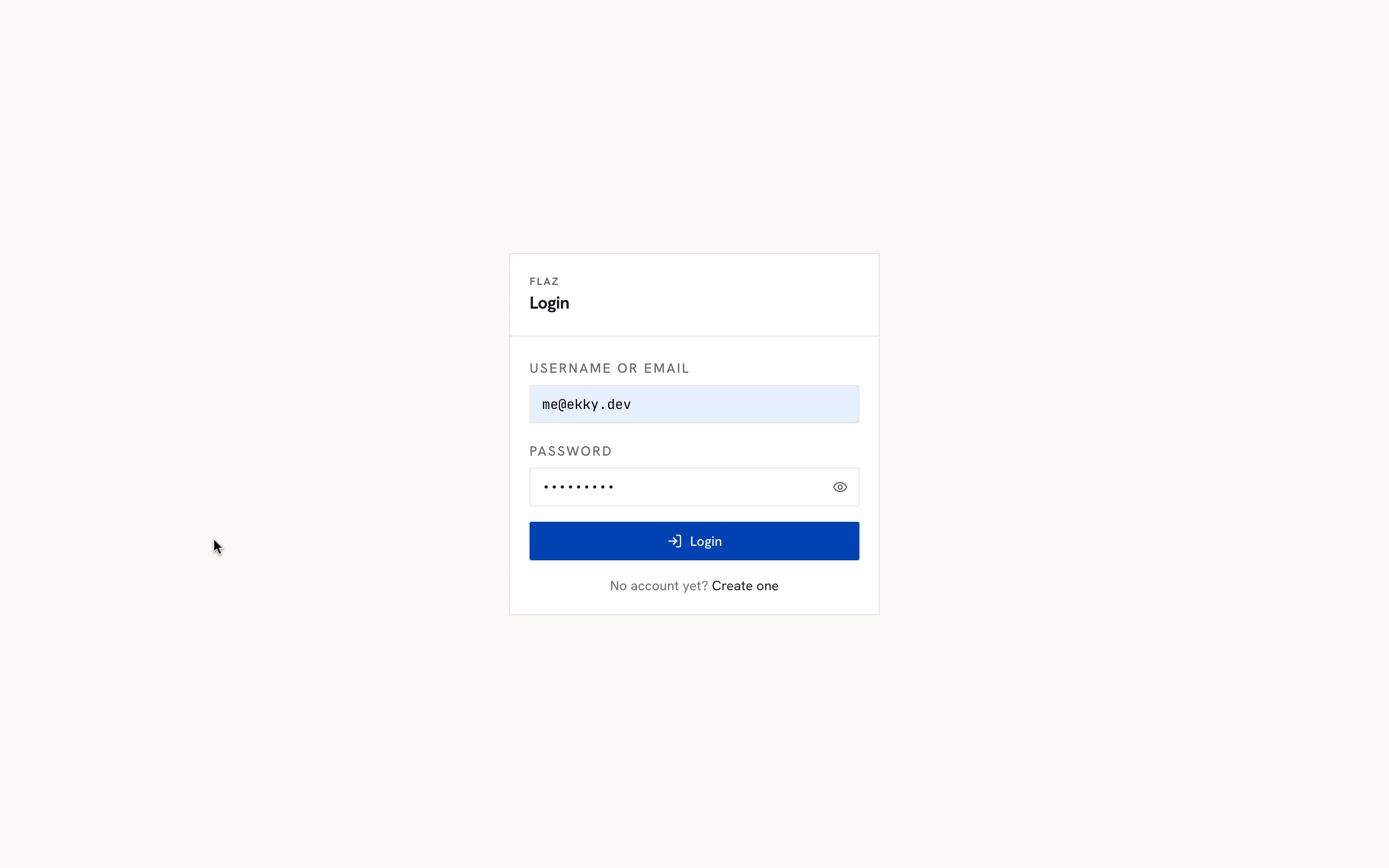
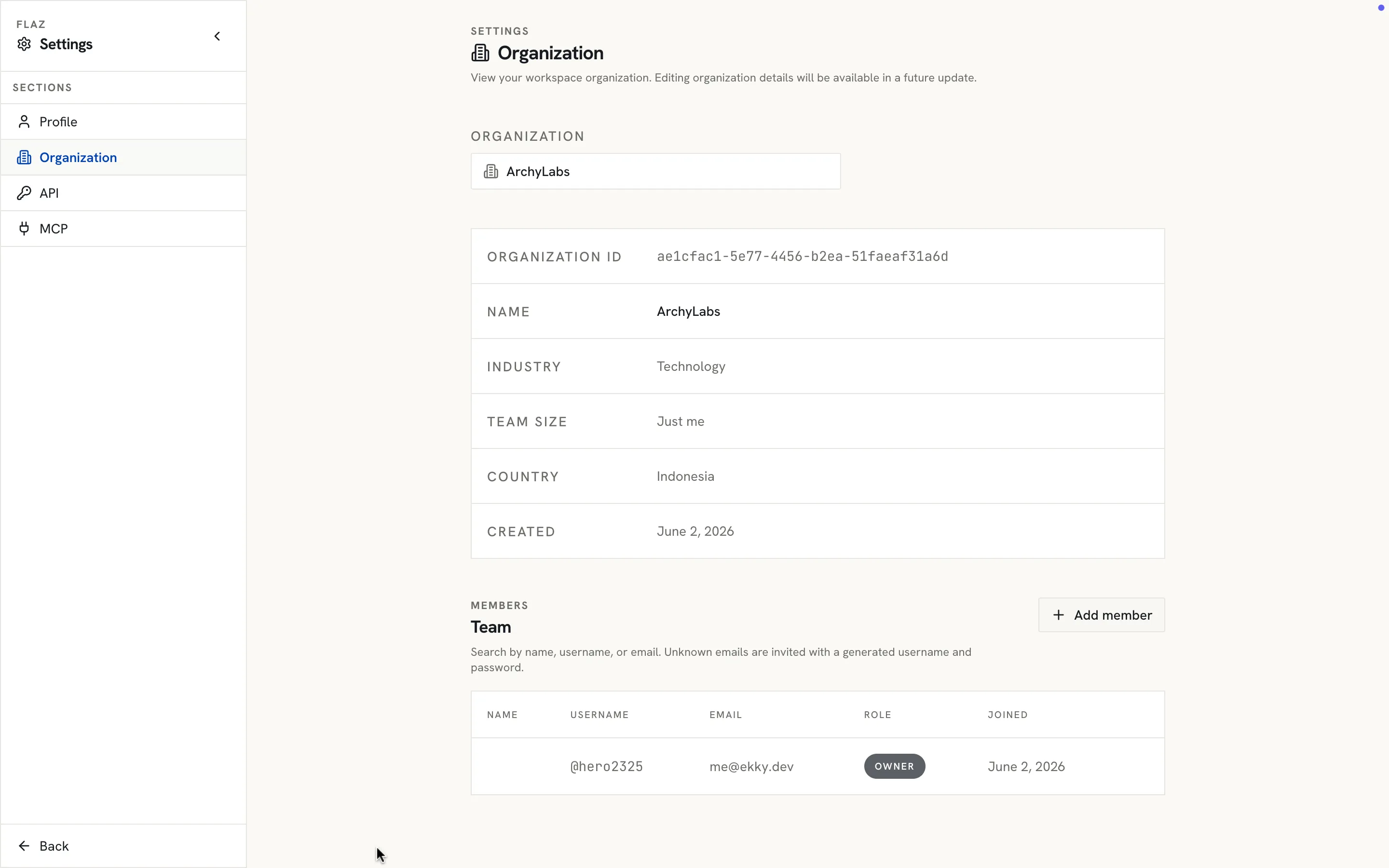
- Multi-tenant auth: JWT sessions, organization membership, and revocable API keys
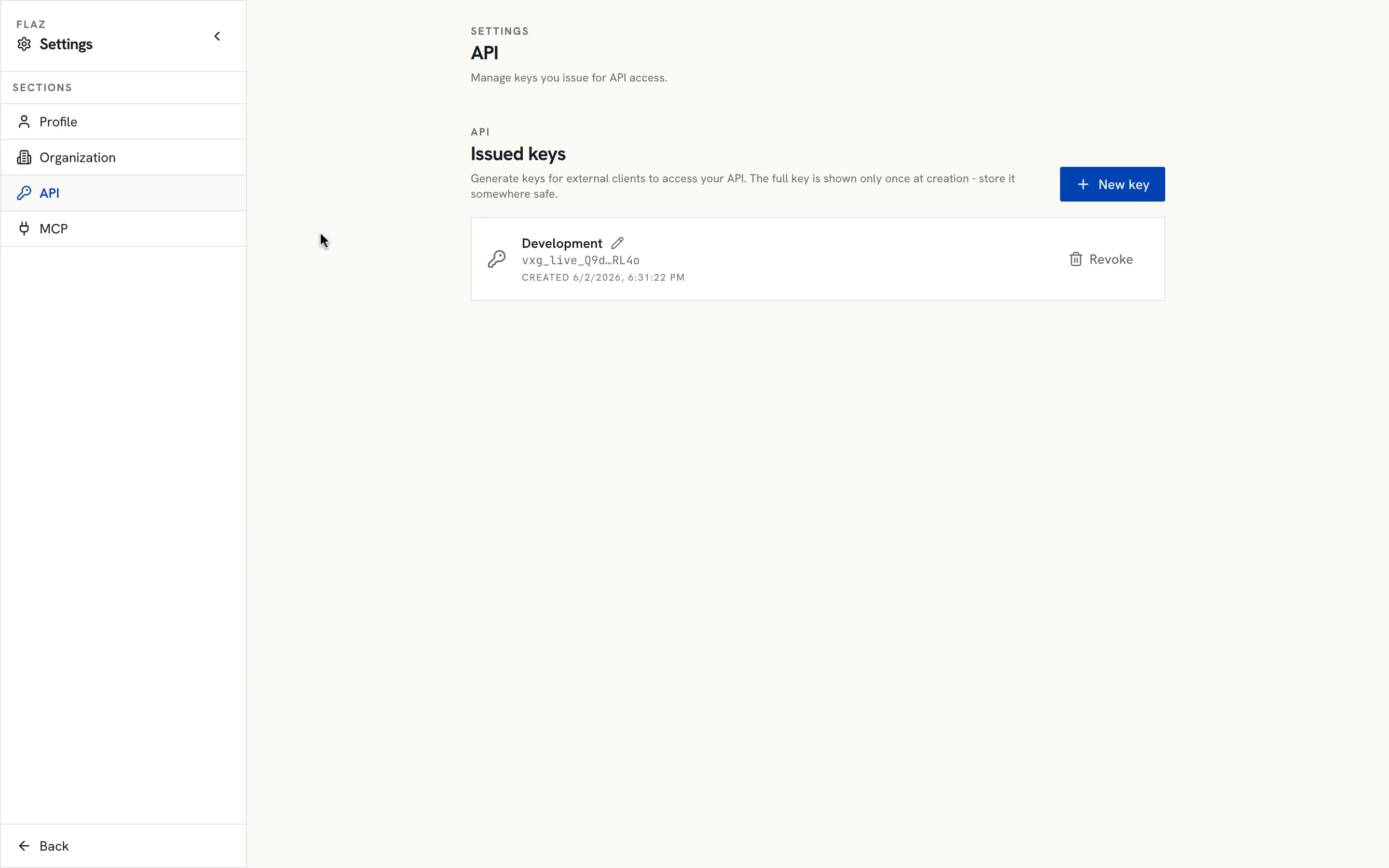
- API key management: Settings UI for issuing keys to external clients; full token shown once at creation
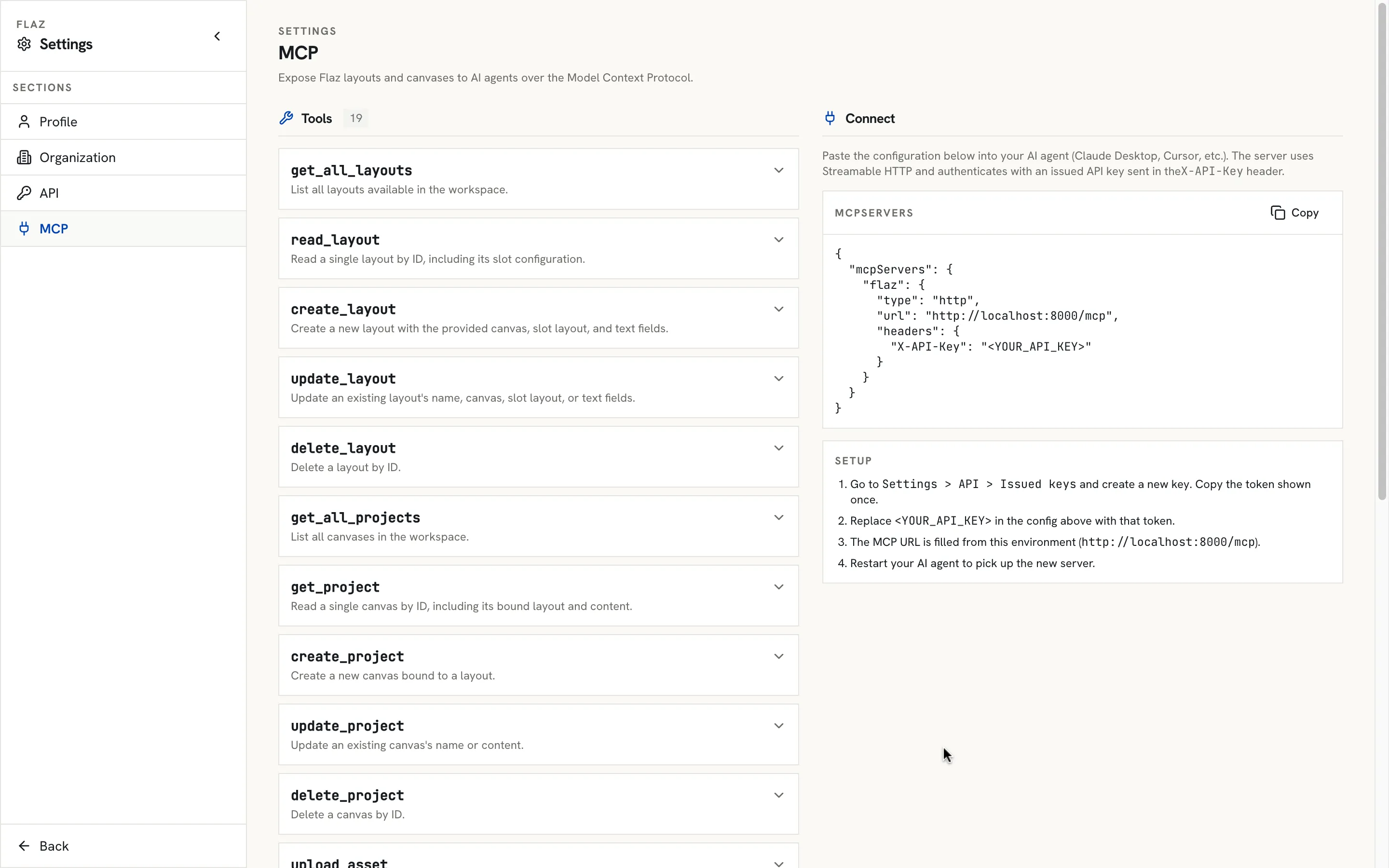
- MCP server: 19 tools exposing layouts, canvases, assets, and data mapping to AI agents over Streamable HTTP
API and MCP Integration
Flaz is not only a browser app. It also exposes the same layout, canvas, and data operations through a REST API and a Model Context Protocol (MCP) server mounted at /mcp.
Issued API keys live under Settings > API. Users generate revocable keys (prefixed vxg_live_) for external clients. The full token is shown only once at creation, then stored hashed server-side.
MCP exposes Flaz to AI agents such as Cursor and Claude Desktop. The Settings > MCP page documents all 19 tools and ships a copy-paste mcpServers config. Authentication uses the issued API key in the X-API-Key header over Streamable HTTP.
The MCP tool surface covers the full catalog workflow programmatically:
- Layouts: list, read, create, update, and delete template definitions with slot and text-field configuration
- Canvases (projects): list, read, create, update, and delete filled catalog instances bound to a layout
- Assets: upload images into the org library and search by category, name, or attributes
- Data mapping: read layout schemas, map raw extracted values into slot/text fields, and manage persisted data inputs (create, update, duplicate, delete)
That means an agent can take OCR or scraped output, map it to a layout schema, fill a canvas, and trigger rendering without a human clicking through the UI. A news-card automation skill in the repo already uses this API path end to end.
Key Engineering Decisions
1. Constrain the input format
The OCR pipeline works because the input is structured source material (screenshots of existing catalogs or scraped listings), not arbitrary images. Narrow inputs kept extraction accuracy high and made the MVP shippable in four weeks.
2. Separate template design from catalog fill-in
Designers work in the layout editor to define the repeatable structure; operators work in the canvas workspace to apply extracted data. That split matches how repetitive catalog work actually happens and keeps the product usable without retraining everyone on full design tooling.
3. Server-side rendering as source of truth
Client-side Konva preview is fast for editing, but final PNG output runs through Playwright so rendered assets match the template exactly across browsers and devices.
4. Expose the product to agents, not just humans
Catalog work is repetitive enough that automation should not stop at OCR. Issued API keys plus an MCP server with 19 tools let AI agents and external scripts manage layouts, fill canvases, and map extracted data the same way the UI does. That keeps the human editor as the review layer while agents handle bulk fill-in.
5. Roadmap discipline
The feature list started three times longer than what shipped. Keeping CMS and social publishing off the build list is what made a $2,000, four-week MVP possible.
Outcome
Flaz is the clearest recent example of a minimum viable product in my portfolio: one workflow end to end, from OCR extraction to finished catalog image, with real usage on production layouts and a roadmap list deliberately left unfinished. It demonstrates the same full-stack pattern as larger builds (UI, API, extraction pipeline, rendering, auth), compressed into a scope a solo developer can ship in a month.
Lessons Learned
- OCR bridges extracted/scraped data and finished catalog design; constraining input format matters more than model choice
- Workflow validation beats extraction accuracy as the primary MVP risk
- A healthy MVP scope has a roadmap list 2 to 3 times longer than the build list
- MCP turns a design tool into a programmable surface; agents can drive the same catalog workflow the UI exposes
- Internal buyers tolerate rough edges when the core workflow saves real hours
Attachments
Create Account Screen
Login Screen
Canvas Editor
Layout Editor
Data Screen
Edit Data Form
Images Screen
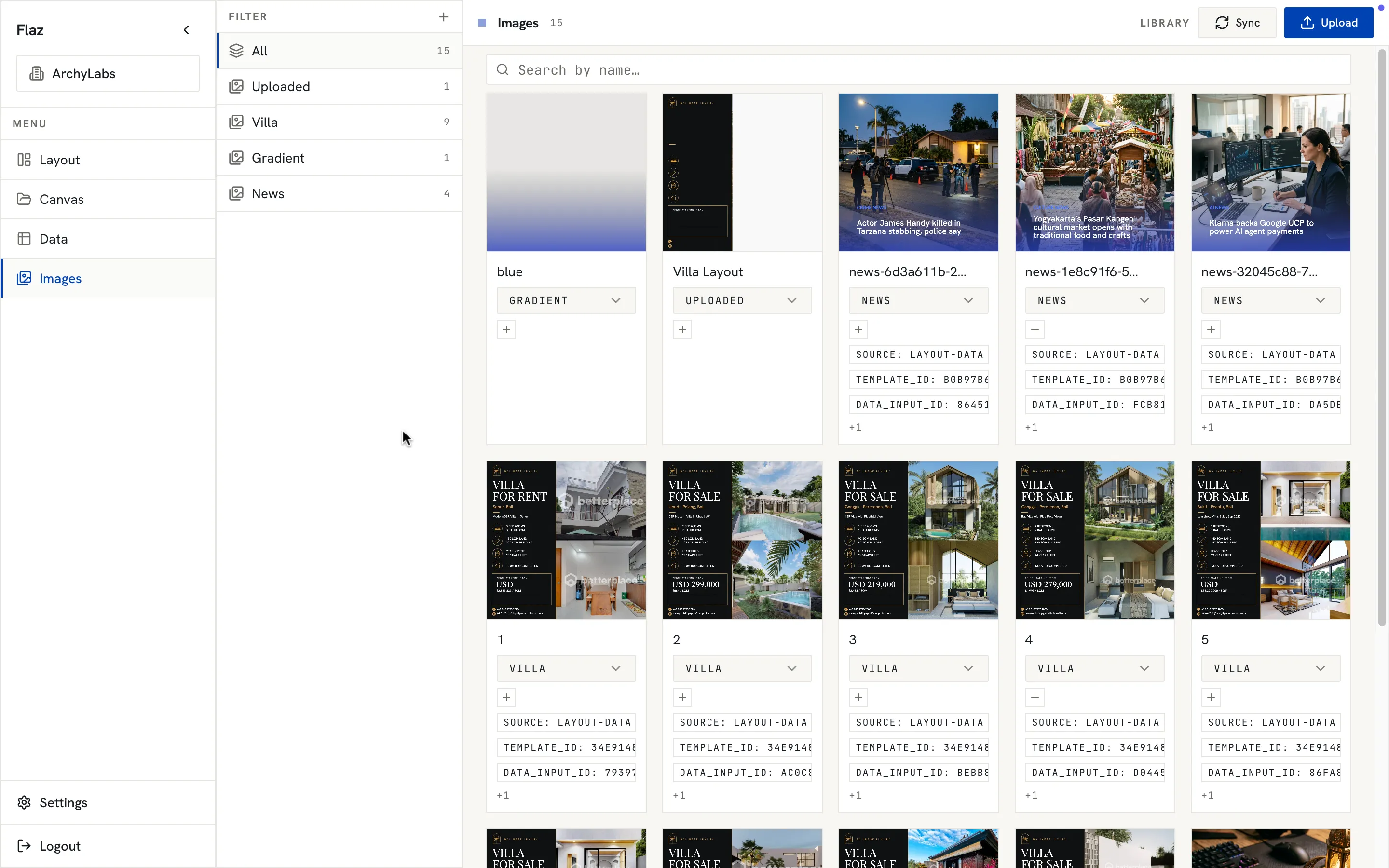
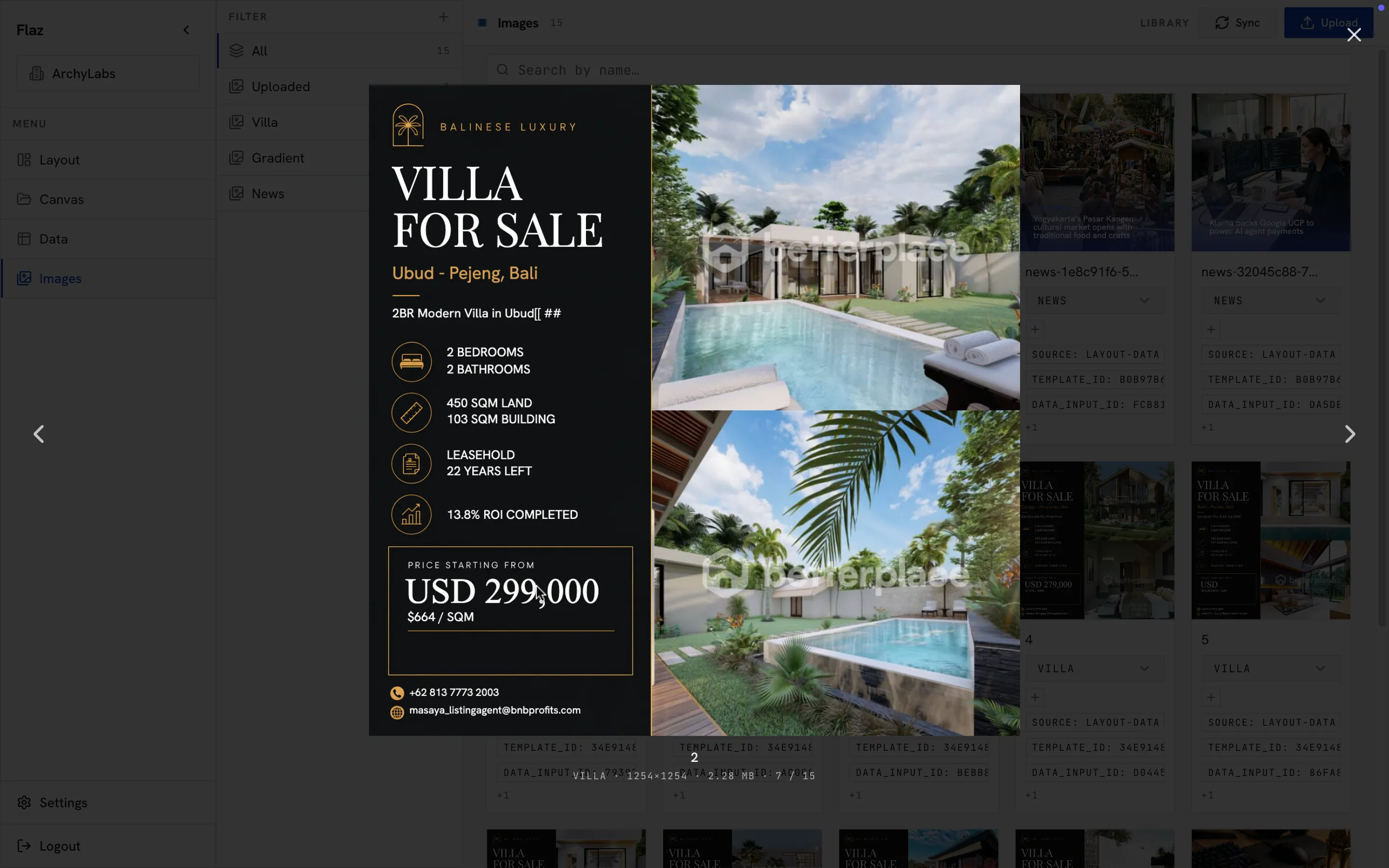
Image Detail View
Organization Settings
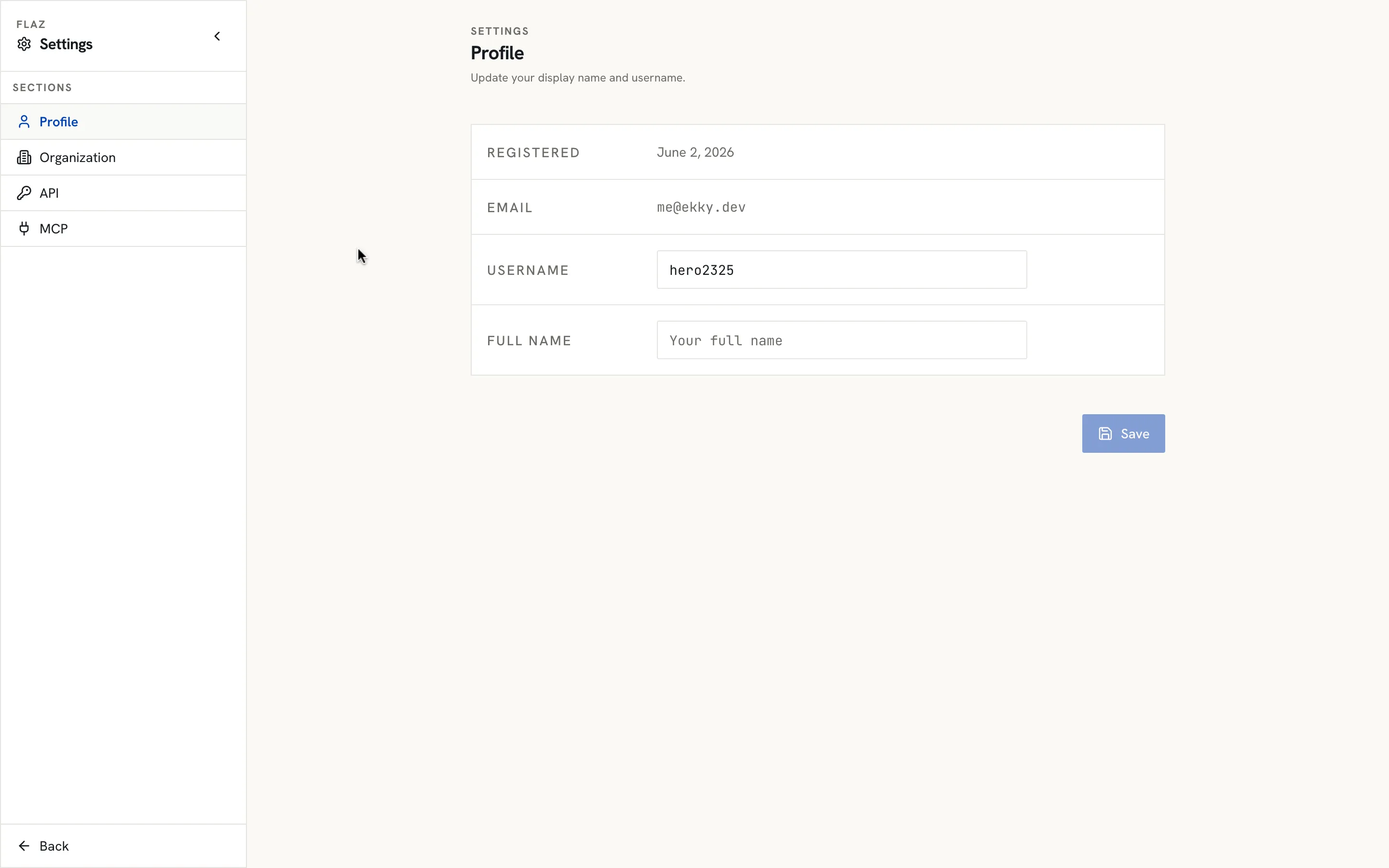
Profile Settings
API Key Management
MCP Tools and Connect Setup