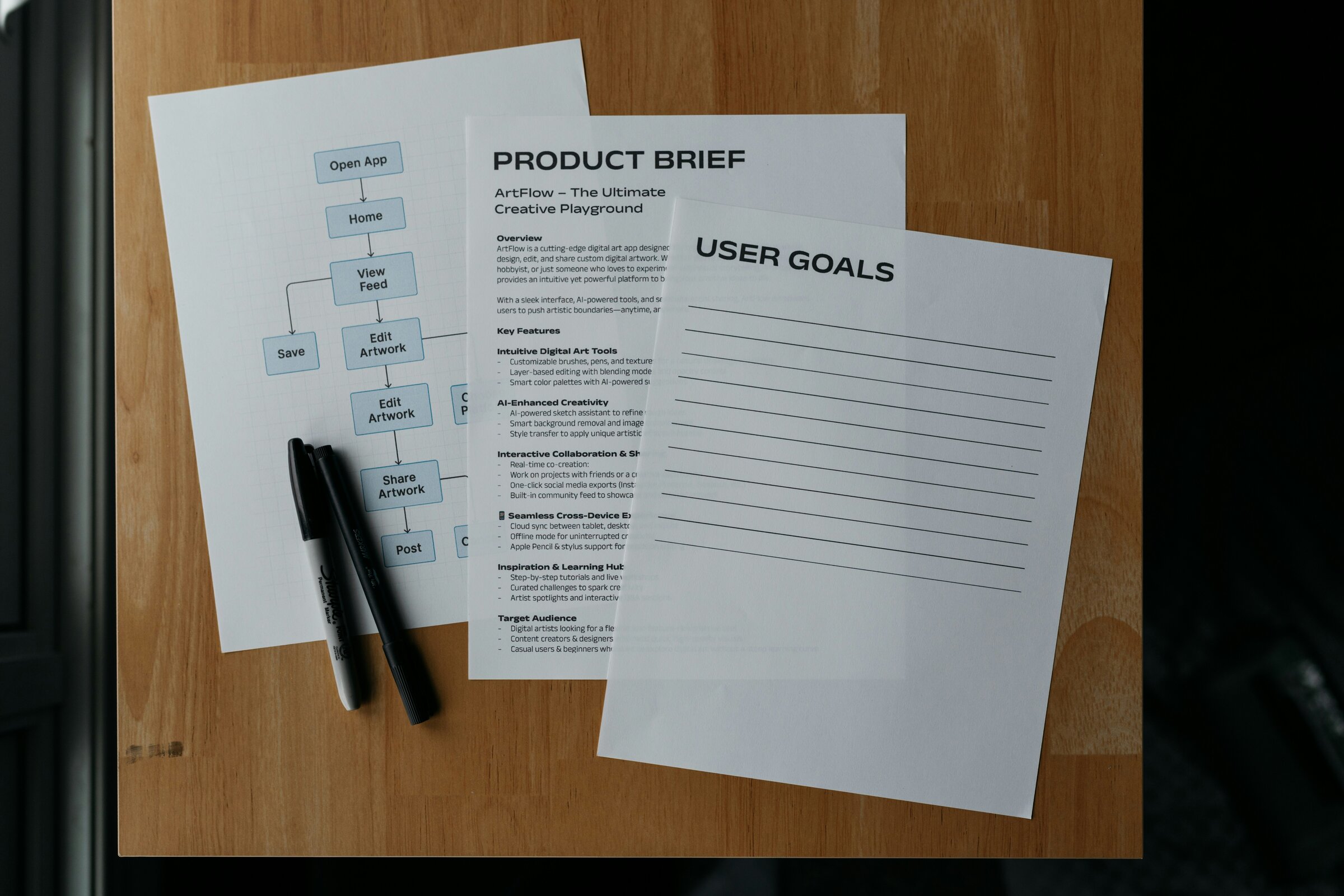
The custom software development process starts long before anyone opens a code editor or writes line one of backend logic.
Too many non-technical operators and founders treat software builds like black boxes. You hand over a list of features to an agency, wait three months, and hope the product that comes back matches what you had in mind. That gap between client expectations and engineering execution is usually where projects run over budget or fail to ship.
Custom software is software engineered specifically for your company’s business logic, data models, and operational workflows rather than rented off-the-shelf. Because the software maps directly to your operations, the development process requires clear business decisions at every milestone.
Whether you’re building an internal ops portal, a client web app, or a specialized automation tool, the overall build sequence follows a predictable path. If you’re still evaluating whether your business genuinely needs custom code, review my previous article benefits of custom software before committing capital.
TLDR
- Custom software development follows six distinct stages: discovery, design, iterative building, testing, launch, and maintenance.
- Success depends on making clear business and scope decisions at each milestone, not just writing code.
- Building in short, two-week iterative loops gives you working software regularly so you can test and adjust before go-live.
- Smaller first releases (MVPs) follow the exact same six stages but compress discovery and focus strictly on one core workflow.
The custom software development process in plain English
The custom software development process follows six distinct stages: discovery and requirements, design and architecture, iterative building, pre-launch testing, launch and handoff, and post-launch maintenance. Each phase moves the project from an abstract operational problem to a working software application, requiring specific business decisions before technical execution begins.
Here is how those six stages fit together across a typical build:
%%{init: {"theme": "base", "themeVariables": {"primaryColor": "#f3f4f6", "primaryBorderColor": "#6b7280", "primaryTextColor": "rgb(54, 55, 55)", "lineColor": "#6b7280", "secondaryColor": "#f9fafb", "tertiaryColor": "#ffffff"}}}%%
flowchart LR
    A["1. Discovery<br/>Cut scope & define rules"] --> B["2. Design<br/>Approve screen flows"]
    B --> C["3. Build<br/>Review working slices"]
    C --> D["4. Testing<br/>Validate UAT scenarios"]
    D --> E["5. Launch<br/>Confirm go-live criteria"]
    E --> F["6. Maintenance<br/>Gather feedback & update"]
    F -. "User feedback<br/>for next cycle" .-> A
As the project owner, your primary responsibility isn’t reviewing code line by line. Your job at each stage is confirming boundaries, making trade-off decisions, and approving what counts as “working software.”
1. Discovery and requirements
Discovery is where you define the core workflow and aggressively cut unnecessary scope. It turns vague ideas like “we need a client portal” into precise operational rules.
Most failed software projects don’t suffer from bad programming. They fail because nobody defined the exact problem statement before writing code. According to research from the Project Management Institute, unclear requirements and unmanaged scope creep remain leading causes of software project overruns. In discovery, we map your current manual workflow step by step, including the messy spreadsheets, email handoffs, and edge cases your team manages manually today.
Your job in this stage is deciding what “working” actually means for this release. You help answer four practical questions:
- Who is the primary user, and what single task must they finish?
- What exact data enters the system, and what output must the software produce?
- Which edge cases must the code handle vs. what can stay a manual step for now?
- Which features can wait for a future release so version one ships on time?
When I start building tailored business software with an operator, I insist on locking this scope before writing code. A thorough discovery phase ends with a locked backlog document. If you’re planning a web app specifically, my breakdown of the web application development process walks through how discovery translates into initial technical specifications.
2. Design and architecture
Once scope is clear, the project moves into user experience (UX) design and high-level system architecture.
In custom business application development, design isn’t just picking colors or fonts. It’s creating wireframes and interactive prototypes that map out every button, form field, and screen transition. Wireframes act as the functional contract for the application. Clicking through a Figma prototype reveals missing steps or confusing navigation loops long before a developer spends weeks building them.
Simultaneously, the developer plans the system architecture behind the scenes. This includes designing the database structure, defining API endpoints, and selecting third-party integrations (like payment processors or authentication providers).
Your job in this stage is approving screen flows before construction starts. It takes minutes to move an input field in Figma. It takes days to refactor a live database schema because an edge case was missed during design.
3. Build in iterations
This is where the actual code gets written. Modern custom software isn’t built in a dark room for six months. It’s built in short, iterative loops, usually lasting one to two weeks per cycle.
Instead of building the entire frontend first and the backend second, developers build vertical slices of functionality. A single two-week sprint might deliver one complete flow, like a user logging in, filling out a form, and saving the record to the database.
At the end of each iteration, you see working software on a private staging link. You click around, test the feature with real inputs, and provide immediate feedback.
This iterative rhythm is rooted in agile web development. It keeps the project flexible. If business priorities shift, you can adjust the backlog without throwing away months of work. In fact, Google Cloud’s DORA research shows that high-performing software teams achieve significantly lower change failure rates by shipping small, frequent updates rather than infrequent, monolithic releases. Your job during the build is testing working software regularly instead of waiting for a big reveal.
4. Testing before you go live
Before code reaches production servers, it goes through systematic testing to ensure stability, security, and data integrity.
Testing happens on two distinct levels:
- Automated testing: Developers write scripts (unit and integration tests) that run automatically every time new code is pushed. These tests catch regressions, ensuring new features don’t break existing functionality.
- User Acceptance Testing (UAT): This is where you and your team step in. You test the application on a staging server using realistic business data and real-world operational scenarios.
Your job in this stage is trying to break the happy path. Click unexpected buttons, submit incomplete forms, upload large files, and test weird edge cases that happen in your daily operations. Longstanding benchmarks from The Standish Group show that software projects with small scope boundaries and continuous user testing succeed at much higher rates than traditional big-bang releases. Catching bugs during UAT is normal and expected; catching them after paying clients sign in is painful.
5. Launch and handoff
Launch is the transition from a staging environment to a live production server accessible to your users.
The technical deployment involves configuring production servers or cloud platforms (like AWS or Vercel), setting up domain names, securing SSL certificates, and migrating initial data structures. Developers also establish automated deployment pipelines so future updates can be pushed smoothly with zero downtime.
Handoff means transfer of ownership. You receive full access to the source code repositories, cloud hosting accounts, environment variables, and technical documentation.
Your job at launch is verifying go-live criteria and confirming system access. Whether you work with a freelance developer or an MVP agency, a clean handoff leaves you with complete control over your intellectual property and infrastructure.
6. Maintenance after launch
Software isn’t a static asset like a printed brochure. It’s an operational system that evolves alongside your business.
Post-launch maintenance covers three ongoing needs:
- Infrastructure monitoring: Tracking server uptime, database performance, and error logs so issues are fixed before users notice them.
- Environment updates: Patching framework dependencies, security libraries, and third-party API changes.
- Iterative enhancements: Adding small feature improvements based on feedback from real users.
The development process is ultimately a continuous loop. Once version one is live, user feedback informs the next discovery cycle for version two. Treating maintenance as a planned operational discipline prevents software from becoming outdated or insecure over time.
How this changes for a smaller first release
Enterprise software guides often describe rigid seven-phase methodologies with dedicated committees for every stage. For a growing business, startup, or lean internal tool, that level of ceremony adds unnecessary delay.
When building a smaller first release or MVP, the core stages stay the same, but the scope compresses significantly:
- Discovery happens in a focused half-day workshop rather than weeks of committee meetings.
- Wireframes stay low-fidelity, focusing purely on workflow clarity.
- Building centers strictly on the single core feature needed to validate the business goal.
If you have a clear software project in mind and want a developer to guide it from discovery to live deployment, explore my custom software development services. I work directly with operators and founders to scope, design, and build custom applications without agency bloat. You can also schedule a discovery call for free to discuss your workflow or email me directly at mail@ekky.dev.
Where to go next
If you are planning a custom software project and want to dive deeper into related technical and strategic decisions, explore these guides:
- Benefits of custom software (and when it’s overkill): Evaluate whether custom code or off-the-shelf SaaS makes financial sense for your scale.
- Custom software development for startups: A framework for scoping a first release and cutting non-essential features.
- The web application development process, step by step: A technical walkthrough tailored specifically to custom web applications.
- Freelance developer vs MVP agency: A side-by-side evaluation of cost, speed, communication, and risk when choosing who builds your software.