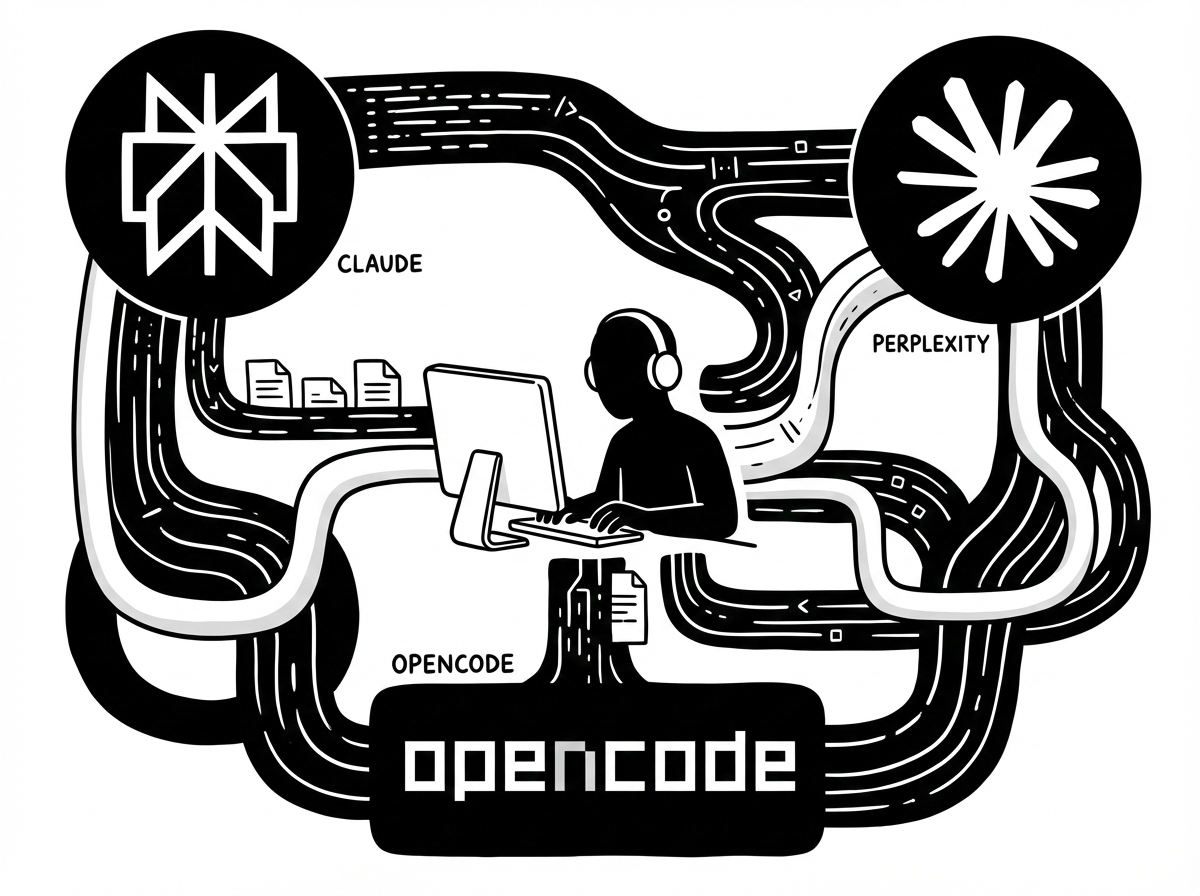
2025 is almost over, and AI has continued to improve at a pace that still surprises me. Since the beginning of the year, I have spent a lot of time learning how to use AI in a practical way, especially for day-to-day productivity.
Over the last twelve months, I have tried a mix of model subscriptions, MCP tooling, and AI coding assistants. This is what has worked best for me so far.
Model providers
Switching from ChatGPT to Perplexity
I started by paying attention to how I actually use ChatGPT. I originally subscribed for image generation (the Ghibli-style trend) and Sora, but since I rarely generate images now. Most of my usage is research and “how to” questions.
For that workflow, Perplexity fits me better. I like that it offers Deep Search, multiple models for different kinds of context interpretation, browser automation, and scheduled tasks. For example, you can schedule something like “find me information about [event]” then schedule it to run every day.
// TODO: show Comet screen capture
Claude for most of my work
For back-office work until coding, Claude is the most reliable model I have used. It handles writing, summarization, document cleanup, and code-related tasks with consistently good output.
My current favorites are Claude Opus 4.5 for planning and Claude Haiku 4.5 for execution.
Luckily, I do not have to worry about Anthropic subscriptions because my company already covers them for me, from Claude Desktop to Claude Code.
Coding tools and workflow
As a developer (and a Vim user), I have tested a lot of coding setups: VS Code extensions, IDE subscriptions like Cursor IDE and Zed, Antigravity, Claude Code, and even OpenCode. My goal is to find the workflow that helps me ship faster without adding too much overhead.
OpenCode in the terminal
My favorite setup so far is OpenCode with Claude Code authentication plus an OpenRouter API key. That combination lets me pick the right model for the job and run an AI coding assistant directly from the terminal, without opening an IDE.
What really makes it work for me is the ecosystem around it: Playwright MCP, Context7 MCP, SERENA MCP, custom AGENTS.md or CLAUDE.md, and support for custom commands, agents, and skills.
I am still learning the best way to structure commands, skills, and agents, but this repo is a great starting point if you want to find currated custom agents, commands, and even skills. The best part with OpenCode is how easy it is to create your own agent for specific task: you can just run opencode agent create, describe what it should do and its scope, then call it later with @ inside your OpenCode sandbox and it will running in the background and you do not have to worried it would eat up your context window, because it will use saperate context window and you can keep current session without making compact often.
What I expect next
I am not sure where CLI-based AI tools will end up, but the direction looks promising. IDE-first tools like Antigravity still feel best for UI-heavy work and browser automation even in the preview phase. Cursor is also moving fast, especially with Figma-like editing features that let you adjust the UI from an in-IDE browser without leaving the code environment. OpenAI just release GPT 5.2 models, one of the best model OpenAI ever release this year, its work better with complex planning and tools using. Can’t wait how coding in the future would look like.
Conclusion
If there is one thing I learned this year, it is that the “best” AI tool depends on the job you are trying to do. For research and quick answers, I prefer Perplexity. For writing, summarizing, and most back-office work (including code-related tasks), Claude has been the most dependable for me.
On the coding side, OpenCode has become my favorite because it keeps me in the terminal and lets me compose a workflow around MCP tools, custom agents, and clear scoping. Instead of chasing every new release, I am trying to evaluate tools by one metric: do they remove friction from real work.
AI tooling will keep changing fast, but the overall direction is clear: more capable models, better integrations, and more “agentic” workflows. I am excited to see what 2026 brings — and to keep refining a setup that helps me learn faster and ship more.
***
If you interested working using AI, feel free to contact me, I could help you build your own app using any AI tools you prefer. I work better with Python and Javascript programming language, so if you have an idea, please let me know.